SEO and PPC – Which is Better?

Businesses just starting to wade into the waters of online marketing often ask which channel is better – should I focus on search engine optimization or pay-per-click advertising?

Although they’re displayed together on a search results page, organic search results and paid search marketing are quite different from each other.

In Google, organic search results appear in the left column of the search engine results page. Organic search results are considered free in the sense that you don’t have to pay anything if someone clicks the link. Where a particular site appears in organic search results depends on how the algorithms have scored the website and landing page based on its relevance to the keyword or words used.

Getting a website to page 1 based on the search query entered by the user is one of the main measurements of success in search engine optimization.

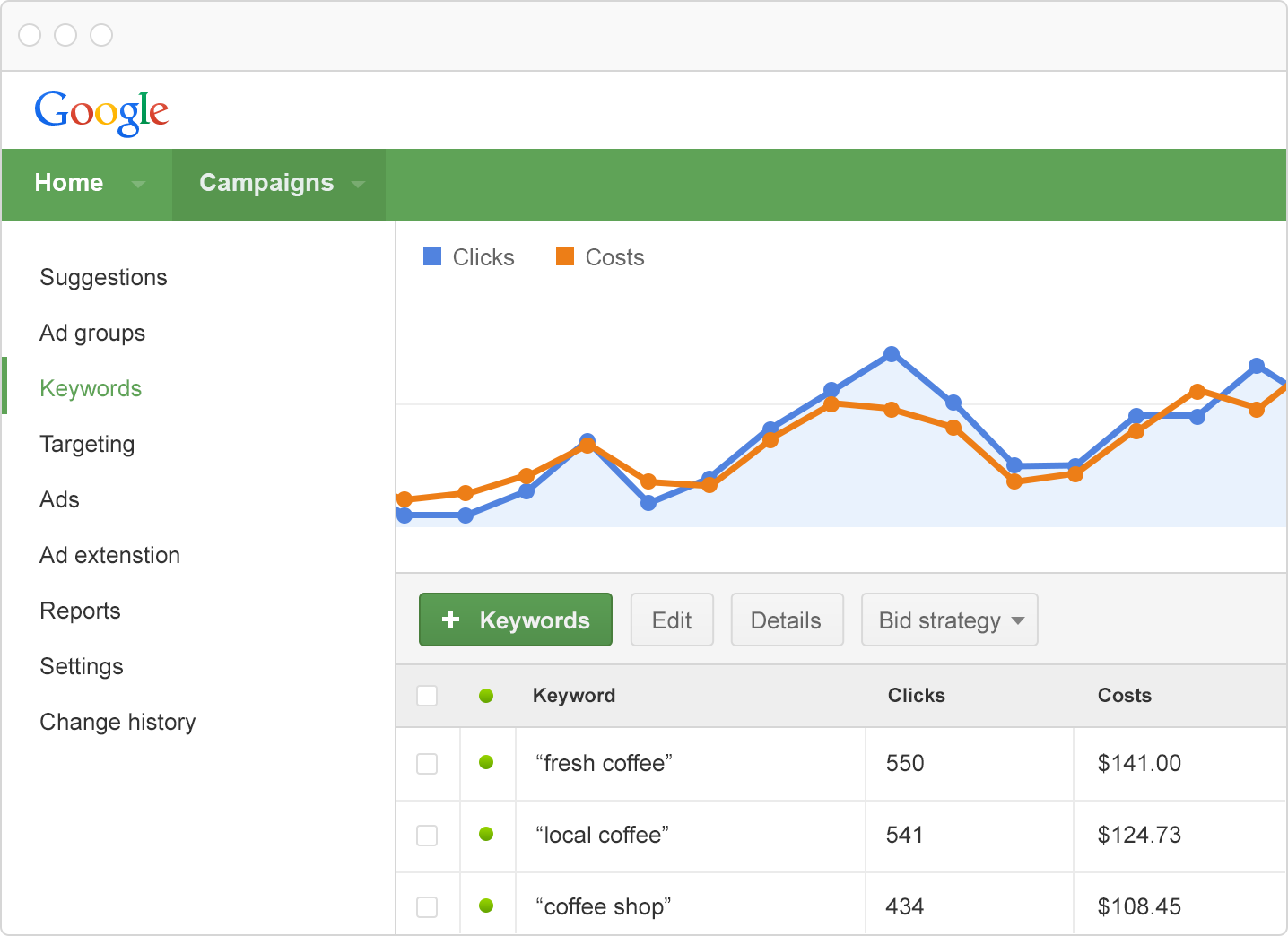
Paid search advertising from Google AdWords appears along the top and right side of a search results page. When a visitor clicks a link in one of these advertisements, the advertiser pays a fee based on the results of an auction that occurs every time a search takes place on Google. How much a click costs depends on the competiveness of the keyword in question, the optimization of the landing page the ad is linking to and the homogeneity of the keywords and ad copy.

As far as the question posed in our title, ideally you should include both SEO and paid search advertising in your online marketing strategy

And from our experience, we know that SEO can take weeks or even months to start yielding benefits. Paid search advertising on the other hand can be setup relatively quickly and, if properly managed, can provide immediate traffic to your website. Stoney deGeyter at Search Engine Guide recommends you start on your PPC right away to bring in profits sooner, if you can afford it.

When customers are able to set aside part of their marketing budget for paid search advertising, we recommend beginning an AdWords campaign as soon as properly optimized landing pages are in place. This allows you to reap the benefit of immediate traffic to your website while you shift your focus to all of the SEO work – namely optimizing your website, targeting keywords, building content, links and growing a social base.

In other words, paid search helps fill the traffic void while you work to ramp up your SEO efforts.

Another point to consider is how search engine optimization improves site usability since it takes visitor behavior into account. Over the long term, SEO and PPC work together to “…generate a synergy effect on visibility and conversions.”

In the future paid search advertising may take a higher priority, especially for keywords with high commercial intent according to an infographic we spotted recently.

In fact, paid search ads targeting high commercial intent keywords garner nearly 2/3 of clicks according to data. SEO on the other hand is still very dominant for informational keyword searches.

One other point to consider is the fact that SEO and PPC reinforce each other according to Mike at Search Engine Guide. With the rise of universal search, it’s possible for a website to have more than 2 options for a searcher on a results page, each with its own unique message.

Each approach has its own pros and cons.

Paid search advertising, for example is much easier to measure than SEO. You can get data on traffic and conversions for a particular page almost immediately. Engaging ad formats yield high click-through rates and ROI.

On the other hand, Google makes it much easier for you to spend rather than save money on PPC campaigns.

While SEO is free in the sense that a click doesn’t cost anything, it does take a lot of effort to get your website ranking on page 1. Compared to paid search, it’s increasingly difficult to measure and execute. However, SEO does provide the foundation for building a sustained web presence over the long term.

This quote from Danny Sullivan, Editor-in-Chief at Search Engine Land, provides the best explanation we could find – “It’s one of the most important rules of search engine optimization. Don’t depend solely on SEO. I’m always surprised when people fail to learn this lesson. Those hit hard by last week’s Penguin Update are just the latest to learn it again.”

In the end, we can’t really answer which method, SEO or PPC, is better.

As we said above, it’s best to have a mix of the two as one complements the other.

Related Posts

You can learn a lot from a little button: Part I – Top vs. Other

10 ‘On Page’ SEO Tactics You Should Avoid At All Costs – Part I

10 ‘On Page’ SEO Tactics You Should Avoid At All Costs – Part II

Why You Shouldn’t Rely Solely on PPC to Bring Traffic

You can learn a lot from a little button: Part I – Top vs. Other

Finding Google GoldI get a lot of phone calls from customers asking questions that are more easily answered by showing them where to find the right data. Walking the novice PPC customer through the AdWords interface every once in a while is a great idea because it gives them a certain amount of control over their advertising dollars that they would otherwise forfeit to ignorance.

It is also an opportunity to educate them by showing the value in what I am doing for them. The way I see it, whether I show them the way around their AdWords account or not, I will always have customers that want to know the most minute details. By showing them how to find the information themselves I reduce the inquiries and increase their awareness of things like their budget (and why they might want to increase it).

There are a lot of dimensions to the data AdWords can show you about your account’s performance and finding the answer you are looking for can sometimes be a challenge. That’s why I want to spend time over the next few posts showing you the “hidden” value you may be missing by not utilizing some of the lesser-used tools that Google provides.

Segmenting your data: Top vs. Other

AdWords campaign settings

To check the box or not to check the box?

If you’ve ever set up a campaign in AdWords, you have probably seen the option to allow your ads to run across Google’s Search Partners network. While this box is probably left un-checked by the majority of users, I often find little thought is given to it before or after the decision to enable search partners is made.

So I want to briefly explain what Google’s search partner network is and how you can view campaign performance based on where (generally) your ads run.

In many cases Google’s Search Partner network can provide great exposure for your ads for less money than the same ad bidding the same keywords on Google. First, search partners like AOL (and other legitimate search engines) display the same ads, usually in similar positions, to quality search engine users. And because there is less competition on the partner network, a little work on your part could help you buy comparable clicks for less money.

Here’s a real world example of a keyword that performs well on both platforms:

Disclaimer: decisions based on a keyword’s history should be made when a statistical sample (100-300 clicks) is achieved. In this example there are far fewer clicks than this so it may not be a good idea to make decisions based on this data alone.

In the image above you can see how the “Top vs. Other” segment (Keywords Tab–>Segment–>Top vs. Other) shows a keyword’s performance in four locations:

  • Google search: Top- This is when your ad appeared in the to 3 positions on Google search
  • Google search: Other- This is when your ad appeared anywhere on Google search but was not in the top 3 positions
  • Search Partners: Top- Same as Google top but on their partner network
  • Search Partners: Other- This is a mish-mash of partner sites like Amazon & Ask.com. Although clicks are usually cheap this can sometimes drag your overall CTR into the basement.

As you can see the same keyword was MUCH cheaper on the search partners network in the “Top” (1-3) position.

If  you’ve never segmented your data in this way and you have search partners enabled you owe it to yourself to see where your money is being spent. The most useful way I have utilized this tool is by identifying keywords that are out of our budget on a Google search but worth bidding for at a lower price on search partners.

I do this by looking at the average position of the keyword and the average CPC and then setting a max bid based on an estimated cost for the “Search partners: Top” position.

In the above example I see my average CPC on search partners is $1.17 and my average position is 1 so I will set my max keyword bid somewhere around $1.17. Granted this doesn’t work in every case but finding these little “nuggets” that can wring more value out of Google is what regular AdWords maintenance is all about.

There are other ways to segment your data that will help you make more informed decisions about your paid search engine marketing and I look forward to talking about them in the next few weeks.

If you have any good data segmentation tips feel free to leave them below.


8 Ways you can safely sell Links on your Website

If you’ve had a blog for awhile, you may be getting inquiries from potential advertisers and others about paid links. It’s one benefit of building a blog for the long term – others will pay you for advertising links.

As you can imagine, this can become quite lucrative over time.

In many respects though, Google frowns upon this practice and penalizes sites it sees as unnaturally manipulating search results. What they do (as well as Bing) is use link-based analysis to determine the quality of a site and its relevance to the keyword in question. Google believes buying and selling links circumvents this process and makes results less relevant and helpful to its searchers.

However, if you read Google’s Webmaster Guidelines, you will find that not all paid links violate their rules. In fact, if links are bought/sold for advertising purposes and not to pass on PageRank and manipulate search results, then it’s totally okay.

If you’re getting inquiries about advertising links, there are 8 ways you can safely sell links on your site without being penalized Google.

1. Add a rel=”nofollow” attribute to the link

Adding this code into the link adds the link to your site but prevents your site from passing any “link juice” to the other site – basically it ensures the other site only receives traffic from the link and not a PageRank boost. This suggestion comes directly from Google so you can be 100% sure that it’s okay.

2. Only link to intermediate pages that include a robots.txt file

Robots.txt blocks search engine spiders from crawling a page. Most websites want their pages to be crawled. Therefore, you can redirect links to an intermediate page that includes this characteristic. Using an intermediate page strips the link of any PageRank benefits and ensures the link is for traffic only…this is another one of Google’s recommendations.

3. Avoid “link farm” schemes

Link farms are websites whose only purpose is to pass PageRank and link to other sites. While you probably would not use one, you need to be careful that your site doesn’t appear as one. Understandably, Google does not like link farm sites at all. In order to avoid looking like you’re a link farm site, embed links within relevant content and avoid having them all in one place.

4. Negotiate link sales for the long term

Consistent rotation of links is another red flag for the search engines as they make your site look like a link farm. Therefore, to fly under the radar, you should select paid links carefully and keep them consistent for as long as possible.

5. Don’t advertise that you’re selling links

This is advice that usually isn’t heeded online. If you advertise you’re selling links, you will get a lot of requests from spammers and banned sites. While the money may be tempting, be patient and wait for quality advertisers to come to you. This will give you better link partners and reduce your frustration.

6. Use HTML links only

Some link buyers may be using JavaScript or some other code in order to update or change the text and URL of the link at a future time. Avoid this by sticking with HTML based links.

7. Only link to relevant sites with quality content

Relevancy between links and keywords is the first thing search engines look for. Therefore, you should be sure that links you’re using point to quality content. Doing so helps search engines achieve their #1 goal, which is delivering the most relevant content to their users. In turn, they’ll reward you for it.

8. Be selective on who you partner with for links

Carefully evaluate sites before linking to them and ask yourself if you want your visitors going there. Do a site:yoursite.com search in Google on the company and see if they’ve had any penalties in the past that may hurt you if you partner with them.

One good rule of thumb when dealing with paid links – only deal with sites you would link to without payment. Doing so ensures you only sell links that are of use to your visitors. Selling links shouldn’t be your main source of income but they can provide a nice bonus.

Remember, Google frowns on selling links for PageRank and other purposes. However, you can do it safely by following the 8 steps mentioned above.

Why You Shouldn’t Rely Solely on PPC to Bring Traffic

Many small businesses starting their own websites innocently start out in what’s to them a new advertising medium, online advertising. Google pay-per-click, Facebook ads and other services are generally easy to setup and provide immediate results.

That’s why so many people like PPC and online advertising – there’s usually a pretty easy way to see how many clicks you’re getting, which generally start occurring right after you get everything setup. Some even go as far to phase out all other forms of advertising, thinking PPC has got to be the best and easiest way to market a business.

So why is it not a good idea to rely solely on pay-per-click advertising to bring traffic?

First a little history – the subject of SEO vs. PPC has been a debate in the online marketing community for years.

Certainly PPC deserves its place in the marketing mix…according to data from a SES Conference, PPC traffic converts 2.03% of visitors versus 1.26% for organic results. PPC visitors spend about 10% more on sites than organic visitors. And they usually stay on a site approximately 29% longer than organic visitors.

But speaking long-term, there are several reasons why PPC shouldn’t be your primary choice.

First of all, when you use PPC or any other form of “advertising,” the money you spend doesn’t typically increase the value of your online assets. You’re basically paying for every visitor to your site. If you want more, you’ve got to pay more $$$.

SEO on the other hand helps build traffic sources naturally. Money and time you spend goes to improving your website by adding content, making the site’s structure is easy for the search engines to crawl and growing inbound links by letting other people know about your site. Not only will organic listings end up driving a much bigger segment of visitors, your site will have more credibility since most people know anyone can pay for PPC advertising.

And of course this discussion wouldn’t be complete without mentioning the ever-evolving social media landscape online. Building a social community around your brand is another way you can grow traffic…and it increases brand equity as well.

Social media and SEO works to create an asset you own with the traffic coming without a cost per click.

But even still, many companies spend more money on PPC than SEO and social media. Perhaps it’s because PPC is just so easy. Of course, that’s to Google’s credit for making a product that’s user-friendly and gets results.

However, over the long-term, SEO and social media can help you build assets that will bring in site visitors and conversions at a much lower cost. Check back again soon to see how you can migrate from PPC to SEO without losing your traffic.

Are you “addicted” to PPC? Do you carry all of your marketing eggs in that one basket?

Where Does Site Traffic Come From?

Of all the online marketing channels – organic search/SEO, referrals and PPC – where does the majority of traffic to a site originate from?

Does someone do a search on Google using keyword phrases to search for the products and/or services you offer online?

Or, are they referred to your site from an online directory like YellowPages or Google Maps? Or, do they see your PPC or social network ad?

Data recently compiled at HubSpot definitively proves that organic search is the primary driver of traffic to websites – which underscores the importance of them being search engine friendly. From the survey of 2,100 of its customers, the company shows that site traffic coming from online searches is 67.2% greater than from referral sites and 156% greater than PPC.

They further break the data down by industry – traffic from search engines is much higher in manufacturing, medicine/health services and retail. Referrals play a more important role in other industries like technology, software and online marketing but still does not exceed online search as a primary source of traffic.

So from this data, it really depends on your industry in determining what you allocate to each of these online marketing areas.

In terms of organic search and SEO, Google is by far the most popular search engine still, handling 71% of online searches this past November according to Hitwise. The two closest were Yahoo! at 15% and Bing at 9%.

It’s clear though – having a website optimized for the search engines is key to driving traffic.